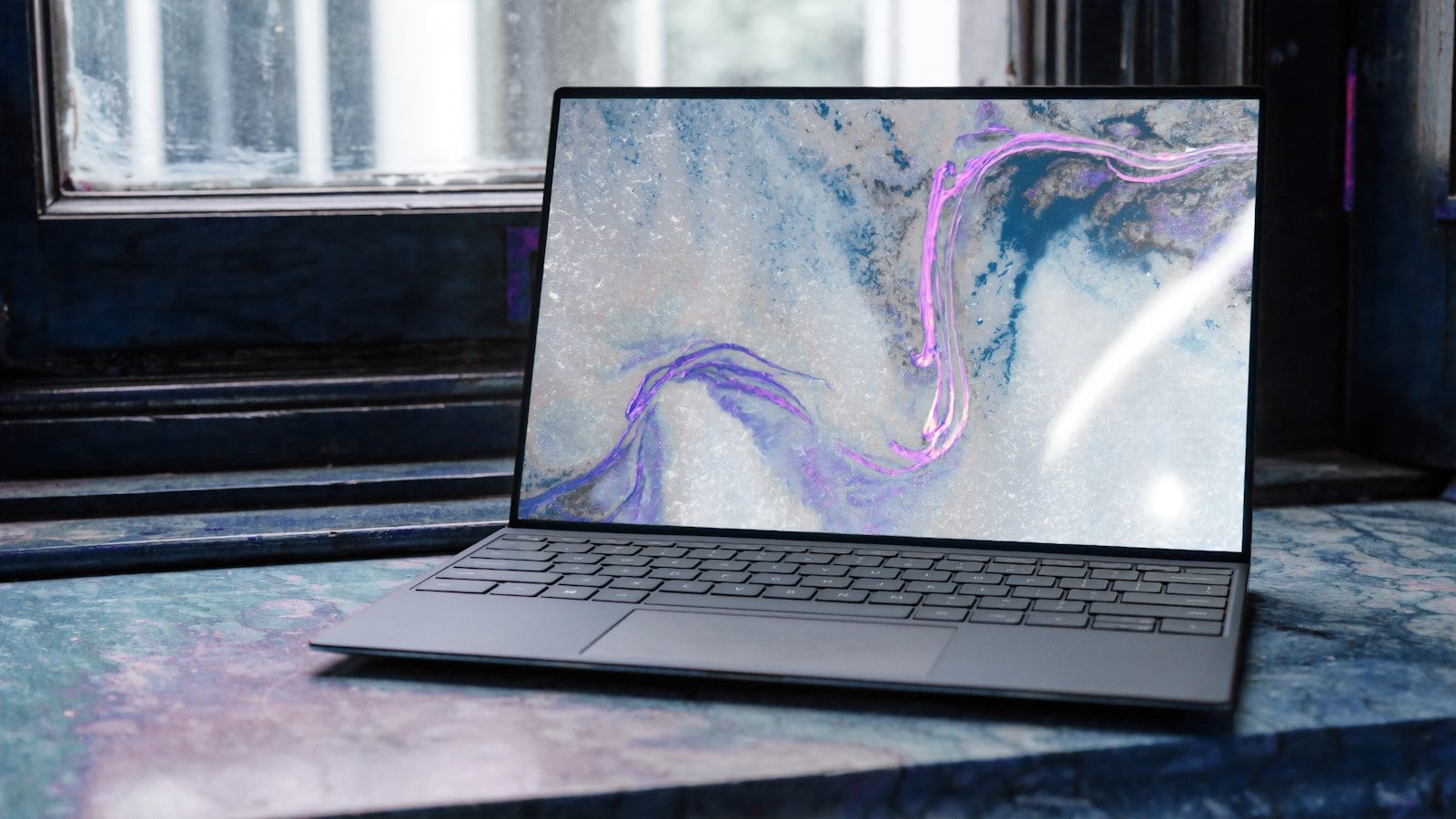
Your laptop is your office.
For remote professionals, it is not a peripheral tool — it is the primary instrument through which all professional output flows. Its processing speed, battery life, display quality, keyboard feel, and build durability determine the quality of your working day more than any other single piece of equipment.
In 2026, the laptop market has never offered better options at every price point. Apple Silicon has matured into the most reliable high-performance laptop platform available. Intel and AMD have responded with competitive hardware. And a clear hierarchy of professional-grade options has emerged that makes the selection decision — for anyone who knows what to look for — more straightforward than it has been in years.
This guide identifies the best laptops for remote work across every budget and use case — with honest performance assessments, real battery life data, and clear recommendations based on professional workflow rather than benchmark scores.
- What Matters in a Remote Work Laptop
- Quick Comparison Table
- 1. MacBook Air 13″ M3 — Best Overall Laptop for Remote Professionals
- 2. MacBook Pro 14″ M4 Pro — Best Performance Laptop for Remote Professionals
- 3. Lenovo ThinkPad X1 Carbon Gen 13 — Best Windows Laptop for Remote Professionals
- 4. LG Gram 16 — Best Battery Life Windows Laptop
- 5. Dell XPS 13 Plus — Best Premium Windows Ultrabook
- 6. MacBook Pro 16″ M4 Max — Best for Power Users
- 7. Microsoft Surface Pro 11 — Best for Professionals Who Want Tablet + Laptop
- Which Laptop Is Right for You?
- Should You Buy Mac or Windows?
- For Canadian Professionals
- FAQ
- Conclusion
What Matters in a Remote Work Laptop
Battery life — real-world, not rated: Manufacturer battery ratings are measured under controlled conditions that do not reflect professional use. A laptop rated for 18 hours of battery life may deliver 7–9 hours of actual work — video calls, document editing, multiple browser tabs. Real-world battery life from independent testing is the only number that matters.
For remote professionals who work from locations without reliable power access — coworking spaces, cafés, client offices, airports — 8+ hours of real-world battery life is the practical minimum. 10+ hours is the target.
Performance for your specific workload: The right performance tier depends entirely on what you do. Document editing, email, and video calls require far less processing power than software development, video editing, or data analysis. Overpaying for performance you will not use is as poor a decision as underpaying and experiencing bottlenecks in your actual work.
Display quality: For professionals who stare at their screen for 8+ hours daily, display quality directly affects eye strain and sustained concentration. Resolution, brightness, color accuracy, and anti-glare treatment all matter — particularly for professionals who work outdoors or in variable lighting conditions.
Keyboard quality: You will type millions of keystrokes on your laptop keyboard over its lifetime. Key travel, actuation force, feedback consistency, and layout quality affect both typing speed and fatigue over long sessions. This is one of the most subjective but most important specifications for writing-heavy professionals.
Build quality and weight: A laptop that travels with you daily needs to be durable and light enough that carrying it is not a burden. Premium chassis materials — aluminum, magnesium alloy — indicate durability. Under 1.5kg is the practical target for professionals who carry their laptop regularly.
Connectivity: Thunderbolt 4 or USB4 ports enable the fastest external display and peripheral connections. SD card readers matter for photographers. The number and type of ports determine how much you need to carry in terms of adapters and dongles.
Quick Comparison Table
| Laptop | CPU | RAM | Battery (Real) | Weight | Price (USD) |
|---|---|---|---|---|---|
| MacBook Pro 14″ M4 | Apple M4 Pro | 24GB+ | 11–14 hrs | 1.55kg | $1,599–$2,499 |
| MacBook Air 13″ M3 | Apple M3 | 16GB | 13–15 hrs | 1.24kg | $1,099–$1,299 |
| Dell XPS 13 Plus (2025) | Intel Core Ultra 7 | 16–32GB | 7–10 hrs | 1.26kg | $1,299–$1,799 |
| Lenovo ThinkPad X1 Carbon Gen 13 | Intel Core Ultra 7 | 16–32GB | 10–13 hrs | 1.12kg | $1,449–$2,199 |
| LG Gram 16 (2025) | Intel Core Ultra 7 | 16–32GB | 14–17 hrs | 1.35kg | $1,299–$1,599 |
| MacBook Pro 16″ M4 Max | Apple M4 Max | 48GB+ | 12–16 hrs | 2.14kg | $2,499–$3,999 |
| Microsoft Surface Pro 11 | Snapdragon X Elite | 16–64GB | 10–14 hrs | 0.88kg (tablet) | $1,199–$2,199 |
1. MacBook Air 13″ M3 — Best Overall Laptop for Remote Professionals
The MacBook Air M3 is the strongest all-round recommendation for the majority of remote professionals — delivering exceptional battery life, silent fanless operation, a beautiful display, and outstanding build quality at a price point that is accessible for professional investment.
Why it leads for most remote professionals:
The M3 chip delivers processing performance that comfortably handles the full range of knowledge work professional tasks — document editing, video calls, spreadsheet analysis, light development, and content creation — without thermal throttling, without fan noise, and without the battery anxiety that accompanies lesser laptops.
In real-world professional use, the MacBook Air M3 consistently delivers 13–15 hours of battery life — making it the most capable laptop available for professionals who work through a full day without reliable power access.
Display: The 13.6-inch Liquid Retina display delivers 2560×1664 resolution with 500 nits of sustained brightness — significantly brighter and sharper than most Windows competitors at this price. True Tone adjusts white balance to match ambient lighting, reducing eye strain during extended sessions.
The fanless design: The Air has no fan. It is entirely silent in operation. For professionals who work in quiet environments — libraries, shared offices, client facilities — the absence of fan noise is a meaningful quality-of-life advantage that is difficult to quantify but immediately noticeable.
Where it falls short: The MacBook Air does not support dual external displays without a firmware workaround on M3. Professionals who require dual external monitor setups should consider the MacBook Pro 14″ instead. Under sustained maximum load — video encoding, large compilation tasks — the fanless design results in some thermal throttling, though this rarely affects typical professional workloads.
Connectivity: Two Thunderbolt 3 ports and a MagSafe charging port. The two-port limitation requires an adapter or hub for professionals who need more simultaneous connections — a genuine convenience trade-off worth noting.
Who it is for: Consultants, marketers, writers, analysts, HR professionals, and any knowledge worker whose primary tools are document editing, communication, research, and video calls. The best laptop in the world for this profile at this price point.
Pricing: 8GB RAM / 256GB SSD from $1,099 USD. 16GB RAM / 512GB SSD from $1,299 USD. The 16GB RAM configuration is strongly recommended — 8GB is increasingly constrained for professionals running multiple demanding applications simultaneously in 2026.
Verdict: The best laptop for most remote professionals. Exceptional battery life, silent operation, beautiful display, and outstanding build quality at the most accessible price in the premium laptop category.
2. MacBook Pro 14″ M4 Pro — Best Performance Laptop for Remote Professionals
For remote professionals whose work regularly pushes processing limits — developers, data analysts, video editors, architects, engineers — the MacBook Pro 14″ M4 Pro is the strongest recommendation available in 2026.
Why it stands out:
The M4 Pro chip delivers processing performance that significantly exceeds any comparable Windows laptop and the MacBook Air M3 in sustained workloads. The critical difference from the Air is the fan — the Pro’s active cooling allows sustained maximum performance without thermal throttling, making it the right tool for professionals whose work involves extended periods of intensive computation.
Display: The 14.2-inch Liquid Retina XDR display is among the best laptop displays available — 3024×1964 resolution, 1000 nits sustained brightness (1600 nits peak HDR), ProMotion adaptive refresh rate from 24Hz to 120Hz, and P3 wide color gamut. For professionals who review visual content, the display quality is genuinely exceptional.
Battery life: Despite higher performance, the M4 Pro delivers 11–14 hours of real-world battery life — better than most Windows performance laptops and sufficient for a full professional day.
Dual external display support: Unlike the MacBook Air, the MacBook Pro 14″ natively supports two external displays simultaneously — essential for professionals who use a dual monitor setup at their desk and a portable single-screen setup while traveling.
Connectivity: Three Thunderbolt 4 ports, HDMI 2.1, SD card reader, and MagSafe charging. The most practical port selection available on any premium laptop — minimal adapter dependency.
Where it falls short: Price. The MacBook Pro 14″ M4 Pro starts at $1,999 USD — a significant premium over the MacBook Air. For professionals whose workloads do not require sustained high performance, this premium is not justified.
Who it is for: Software developers, data scientists, video editors, architects, engineers, and any professional whose work regularly involves sustained computation, large datasets, or professional creative workflows.
Pricing: M4 Pro / 24GB RAM / 512GB SSD from $1,999 USD. M4 Pro / 24GB RAM / 1TB SSD from $2,199 USD.
Verdict: The best performance laptop available for remote professionals. Justified specifically for those whose work regularly demands sustained processing power.
3. Lenovo ThinkPad X1 Carbon Gen 13 — Best Windows Laptop for Remote Professionals
For remote professionals who require Windows — due to enterprise software compatibility, organizational IT requirements, or personal preference — the ThinkPad X1 Carbon Gen 13 is the strongest professional recommendation available.
Why it leads the Windows category:
ThinkPad’s reputation for keyboard quality, build durability, and enterprise reliability is earned across decades of professional use. The X1 Carbon Gen 13 continues this tradition with a keyboard that consistently ranks as the best available on any laptop — deep key travel, consistent actuation, and precise feedback that makes extended typing noticeably more comfortable than competitors.
At 1.12kg, it is also the lightest laptop on this list — a meaningful advantage for professionals who carry it daily.
Performance: The Intel Core Ultra 7 delivers strong performance for typical professional workloads. Not at the level of Apple M4 Pro in sustained performance, but more than adequate for document work, analysis, development, and creative tasks that do not require extended maximum-load processing.
Battery life: 10–13 hours of real-world battery life — competitive with MacBook options and significantly better than most Windows laptops at this price point.
Build quality: MIL-SPEC tested for resistance to temperature, humidity, altitude, vibration, and shock. The X1 Carbon’s durability credentials are the most thoroughly tested of any laptop on this list — relevant for professionals whose laptops face travel stress.
Enterprise features: ThinkShutter camera privacy cover, fingerprint reader, optional IR facial recognition, and comprehensive enterprise management compatibility make the X1 Carbon the preferred choice for professionals in security-conscious organizational environments.
Where it falls short: Display options are good but not at the level of MacBook Pro or premium OLED Windows competitors. Thermals under sustained load are adequate but not exceptional. Battery life, while competitive for Windows, remains behind Apple Silicon options.
Pricing: Core Ultra 7 / 16GB RAM / 512GB SSD from $1,449 USD. 32GB RAM configurations from $1,799 USD.
Verdict: The best Windows laptop for remote professionals who prioritize keyboard quality, portability, durability, and enterprise reliability.
4. LG Gram 16 — Best Battery Life Windows Laptop
The LG Gram 16 occupies a specific and valuable position in the market: a 16-inch laptop that weighs 1.35kg and delivers 14–17 hours of real-world battery life — specifications that seem contradictory until you use the hardware.
Why it stands out:
For remote professionals who prioritize a large display for productivity and all-day battery independence, the LG Gram 16 is the only Windows laptop that delivers both simultaneously.
The 16-inch 2560×1600 IPS display provides substantially more screen real estate than 13–14 inch competitors — meaningful for professionals who work extensively with spreadsheets, code, or multiple windows simultaneously without an external display.
The weight achievement: 1.35kg for a 16-inch laptop is a significant engineering achievement. It is lighter than many 13-inch Windows laptops and only slightly heavier than the MacBook Air 13″. LG achieves this through an aluminum-magnesium alloy chassis that maintains structural integrity at low weight.
Battery: LG’s battery life claims have been independently validated. In real-world professional use — document editing, light browsing, video calls — 14–17 hours is achievable. This is the best real-world battery life of any Windows laptop currently available.
Where it falls short: The ultra-light chassis prioritizes portability over performance — sustained maximum load tasks cause thermal throttling faster than ThinkPad or Dell alternatives. The speakers are average. The webcam is 720p — inadequate for professional video calls without an external webcam upgrade.
Who it is for: Remote professionals who travel extensively, work frequently in locations without power access, and use a large laptop display as their primary workspace.
Pricing: Core Ultra 7 / 16GB RAM / 512GB SSD from $1,299 USD. Frequently discounted — check Amazon for current pricing.
Verdict: The best choice for remote professionals who prioritize battery independence and large-screen productivity in an ultralight form factor.
5. Dell XPS 13 Plus — Best Premium Windows Ultrabook
The Dell XPS 13 Plus represents Dell’s most premium consumer laptop — a machined aluminum chassis, edge-to-edge keyboard, and one of the best displays available on any Windows laptop.
Why it stands out:
The XPS 13 Plus’s 13.4-inch OLED display option — available at 3456×2160 resolution — delivers display quality that genuinely competes with MacBook Pro in color accuracy, contrast, and visual richness. For professionals who care deeply about display quality on a Windows platform, this display is the strongest available.
The machined aluminum build is premium in feel and durability — comparable to MacBook construction quality.
Where it falls short:
The XPS 13 Plus’s keyboard has received mixed reviews — the flat, low-travel keys prioritize aesthetics over typing experience, which is a meaningful trade-off for writing-heavy professionals. Battery life at 7–10 hours real-world is the weakest on this list — adequate for most professional days but requiring access to charging for longer sessions.
The connectivity is limited — two Thunderbolt 4 ports and no headphone jack on base configurations — making adapters necessary for many professional setups.
Pricing: Core Ultra 7 / 16GB RAM / 512GB SSD from $1,299 USD. OLED display configurations from $1,499 USD.
Verdict: The right choice for professionals who prioritize display quality and premium build aesthetics on Windows, and who are willing to accept the keyboard and battery trade-offs.
6. MacBook Pro 16″ M4 Max — Best for Power Users
For professionals with the most demanding computational requirements — film editors, 3D modelers, machine learning engineers, professionals processing large datasets — the MacBook Pro 16″ M4 Max is the most capable laptop available regardless of platform.
The M4 Max chip: The M4 Max delivers CPU and GPU performance that exceeds workstation-class hardware from two generations ago — in a laptop form factor, with 12–16 hours of real-world battery life.
For the right professional, this is transformational. Processing tasks that previously required a desktop workstation or cloud compute now complete on a laptop in the same timeframe.
Who it is actually for: This laptop is overkill for the vast majority of remote professionals. It is the right tool for professionals who currently feel constrained by their hardware — those whose work is genuinely bottlenecked by processing power rather than other factors.
Pricing: M4 Max / 48GB RAM / 1TB SSD from $2,499 USD. Configurations reach $3,999+ for maximum specifications.
Verdict: The most powerful laptop available. Justified only for professionals with genuinely demanding computational workflows.
7. Microsoft Surface Pro 11 — Best for Professionals Who Want Tablet + Laptop
The Surface Pro 11 runs Qualcomm’s Snapdragon X Elite — the first non-Apple ARM processor to deliver competitive laptop performance with competitive battery life. In a convertible tablet-laptop form factor that no other competitor matches for professional flexibility.
Who it is for: Professionals who need both a tablet experience — stylus annotation, presentation mode, touch interface — and a full laptop capability in a single device. Architects, designers, field consultants, and professionals who present frequently from their device.
Important caveat: The Snapdragon X Elite’s software compatibility, while improved significantly in 2026, remains behind x86 Windows for specialized professional software. Verify that your critical professional applications run on ARM Windows before purchasing.
Pricing: Snapdragon X Elite / 16GB RAM / 256GB SSD from $1,199 USD (keyboard cover sold separately from $179).
Which Laptop Is Right for You?
For most remote professionals (knowledge work, calls, documents): MacBook Air M3 — best battery, best value, most reliable
For developers, data scientists, heavy users: MacBook Pro 14″ M4 Pro — best sustained performance
For Windows users who need the best keyboard and durability: ThinkPad X1 Carbon Gen 13
For maximum battery life on Windows: LG Gram 16
For premium Windows display quality: Dell XPS 13 Plus OLED
For the most demanding creative and technical workloads: MacBook Pro 16″ M4 Max
For tablet-laptop flexibility: Microsoft Surface Pro 11
Should You Buy Mac or Windows?
This is the question most remote professionals face before selecting a laptop, and the answer depends on factors that are genuinely personal.
Choose Mac if:
- You are already embedded in the Apple ecosystem (iPhone, iPad, AirPods, Apple Watch)
- Battery life is your primary performance criterion
- Your professional software is available on macOS
- Silent operation matters to you
- You will use it alongside an iPhone for Continuity features
Choose Windows if:
- Your organization requires Windows for software or IT compliance reasons
- You use specialized software only available on Windows
- You prefer Windows as a platform for personal reasons
- You need the broadest possible peripheral and software compatibility
The honest assessment in 2026: Apple Silicon has created a meaningful performance-per-watt advantage that Intel and AMD have not fully closed. For professionals without a specific Windows requirement, the MacBook Air M3 or MacBook Pro M4 Pro deliver better battery life, thermal performance, and sustained efficiency than comparable Windows hardware.
For professionals with Windows requirements or strong Windows preference, the ThinkPad X1 Carbon Gen 13 and LG Gram 16 are genuinely excellent options.
For Canadian Professionals
Where to buy: Amazon Canada, Best Buy Canada, and Apple Canada all carry the laptops on this list. Apple Canada offers education pricing (typically $100–$150 CAD discount) for students and educators.
Approximate CAD pricing:
| Laptop | Approx. CAD |
|---|---|
| MacBook Air 13″ M3 (16GB) | $1,749–$1,999 |
| MacBook Pro 14″ M4 Pro (24GB) | $2,699–$2,999 |
| ThinkPad X1 Carbon Gen 13 | $1,950–$2,999 |
| LG Gram 16 | $1,749–$2,149 |
| Dell XPS 13 Plus | $1,749–$2,149 |
| MacBook Pro 16″ M4 Max | $3,369–$5,399 |
Cross-border note: For MacBooks, Canadian Apple Store pricing is typically comparable to US pricing after currency conversion. For Windows laptops, checking Amazon US with cross-border shipping via services like Shipito occasionally yields savings after duties and shipping costs — worth checking for high-value purchases.
FAQ
How much RAM do I need for remote work in 2026? 16GB is the practical minimum for professional use running multiple applications simultaneously. 8GB is adequate for very light use but constraining for professionals who maintain multiple browser tabs, communication tools, and productivity applications open simultaneously. For developers and data workers, 32GB is worth the investment.
How much storage do I need? 256GB is sufficient for professionals who store most files in cloud services. 512GB is more comfortable and recommended for professionals who work with large files locally. Developers and creative professionals should consider 1TB.
Should I buy AppleCare+ for a MacBook? For a professional laptop that travels, yes. AppleCare+ extends coverage to three years and includes accidental damage protection — relevant for a device worth $1,100–$2,500 that accompanies you daily.
Is it worth waiting for the next generation? Apple typically releases new MacBook models annually. The current M4 generation represents a strong generational leap and is unlikely to feel outdated within a 3–4 year professional use cycle. For Windows laptops, the current Core Ultra generation is the right purchase now. Waiting indefinitely for the next generation is a poor decision — the current options are excellent.
Can I use a laptop as my only work device? Yes, with an external monitor, keyboard, and mouse at your primary workspace. Most professionals use their laptop as a portable device while traveling and connect it to external peripherals at their desk — a configuration that maximizes both portability and productivity.
Conclusion
The best laptop for remote work is the one that matches your specific workload, operating system preference, and portability requirements — not the one with the highest specifications or the most recognizable brand.
For most remote professionals, the MacBook Air M3 delivers the best combination of battery life, performance, build quality, and value available. For professionals with higher performance demands, the MacBook Pro 14″ M4 Pro is the strongest option regardless of platform. For Windows-committed professionals, the ThinkPad X1 Carbon Gen 13 remains the benchmark for professional laptop quality.
Invest in the right tool for the work you actually do. Use it daily. The productivity return is immediate and sustained.


Comments